 Origins TCG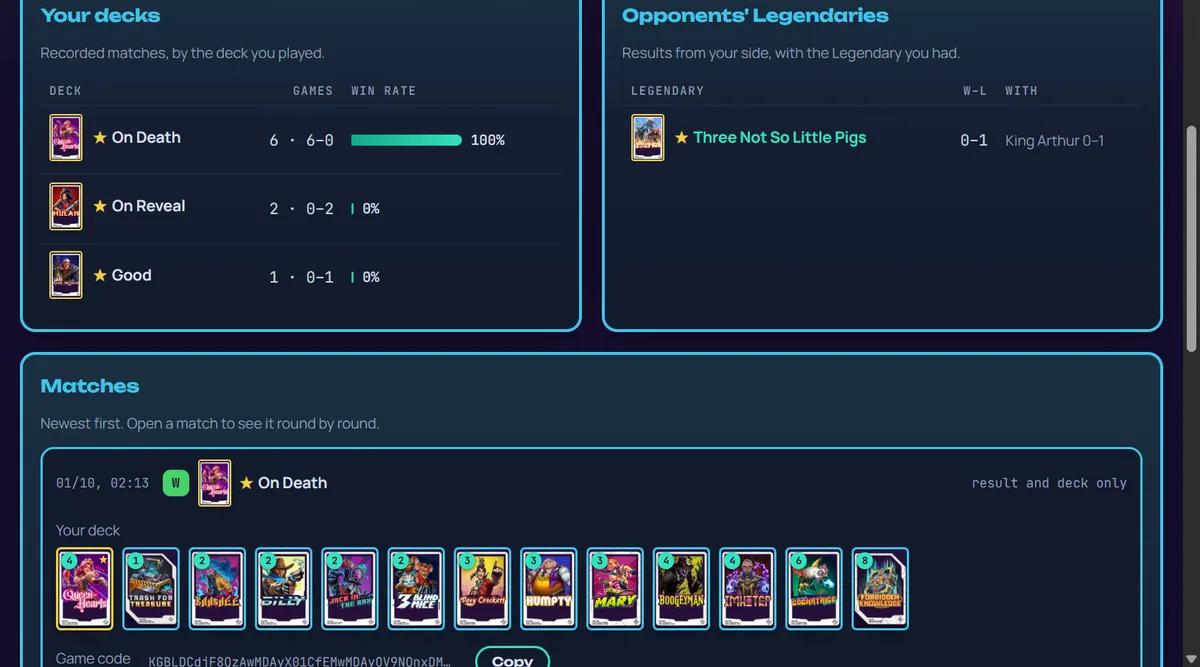
Thank you
In one day you sent us a lot of feedback, on our Discord and from the site, and on 12 October you recorded nearly 200 matches with OriginsMeta Tracker, even with the game's servers going up and down for much of the day. Every match goes into the win rates in Analytics: Legendaries, community decks, archetypes and cards, patch by patch, only totals. Many of the changes below come straight from your messages.
Create your layout
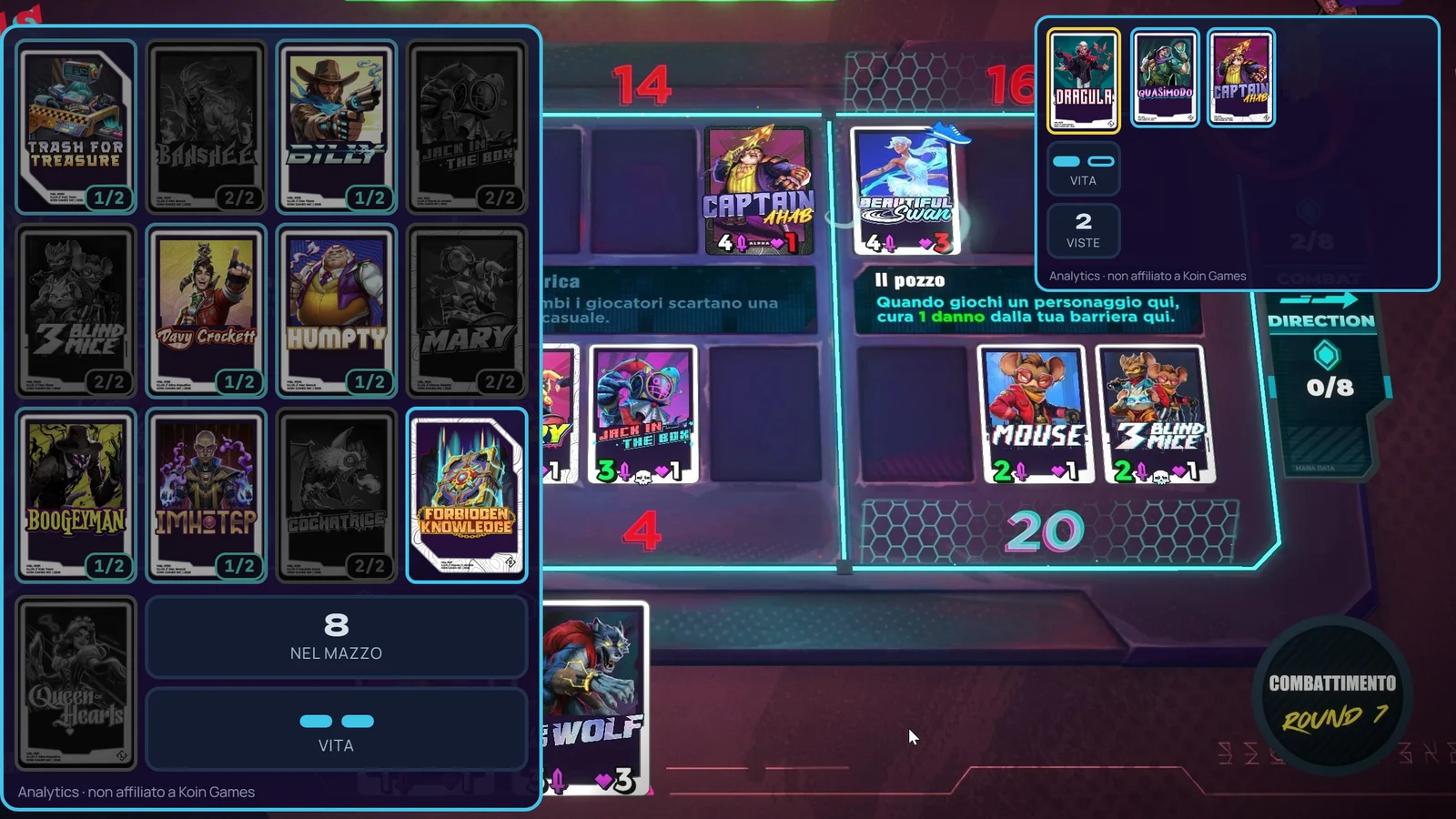
The panels above the game now come in four styles, from the new Create your layout button next to your deck's name:
- Classic: your deck in a column on the left, with the Legendary as a band like in our deck builder; the opponent's Legendary and revealed cards in a strip at the top right.
- Minimal: two strips, your 12 cards and Legendary at the bottom left next to your hand, the opponent's at the top right.
- Structured: two columns at the sides; on the right, over the game's mana panel, the opponent's cards, the cards left in their deck and both players' mana with the combat direction.
- Custom: you choose vertical or horizontal, drawn cards or names only in rows, cards per row, background opacity, whether finished cards disappear and what each panel shows.
Every style remembers where you put its panels, and the OBS source follows the style you pick.
Panels only during a match
A new option shows the panels only while you play: they appear at the first round and disappear about 30 seconds after the end, in the OBS source too. It uses the screen scanner: with the scanner off, the panels stay visible.
Setup and a cleaner main page
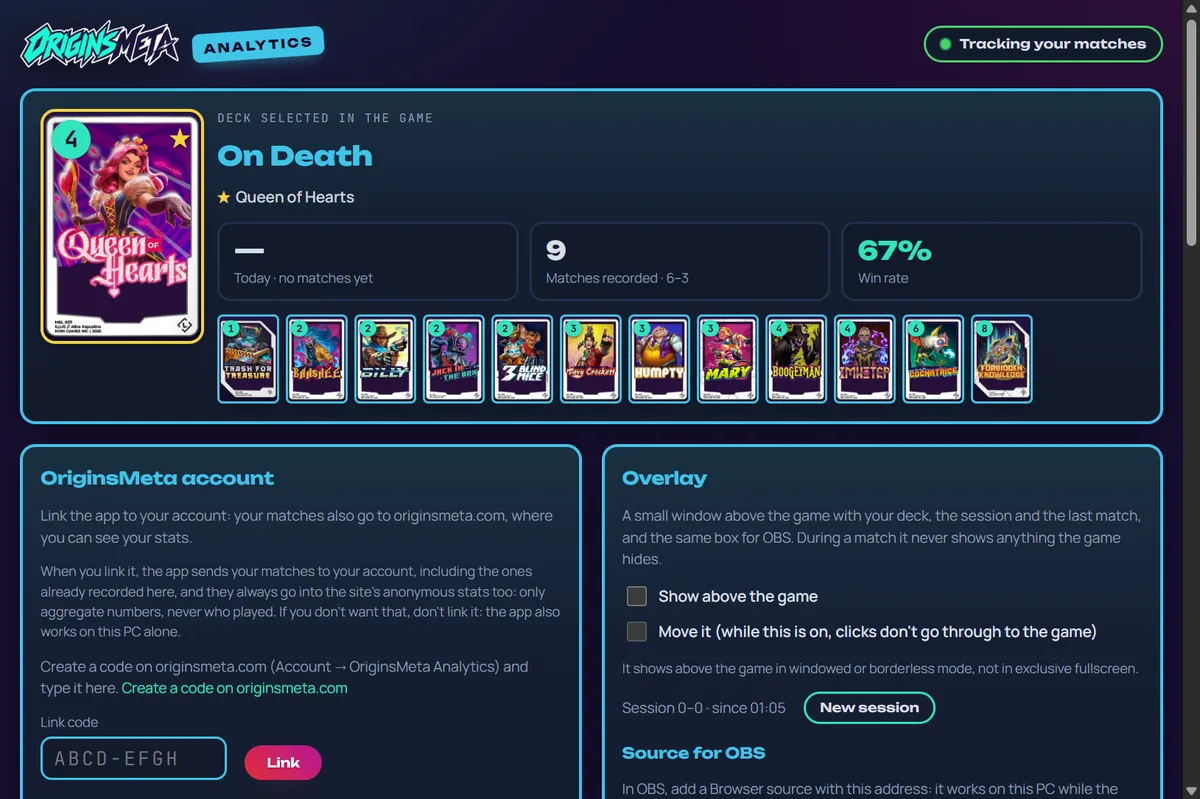
The app's main page now shows only your game: the deck you picked, your numbers, your matches and results. Your account, the screen scanner, the panels and the app's options are behind the Setup button. The tutorial starts again once for everyone, to show where things moved.
Fixes and updates
- No more empty box at the bottom of the Deck tracker: it was a placeholder the game keeps in some decks, not a card.
- A deck you change in the game updates right away in the tracker, without waiting for the next match.
- When a new version is out, a highlighted notice asks you to wait before launching the game: the app updates only with the game closed.
The installation guide on the Tracker page is now five short steps.
How to update
If you already have OriginsMeta Tracker, it updates itself to 0.4.1 with the game closed. If you're new, download it from the Tracker page: the OriginsMeta account is free.
OriginsMeta is an unofficial fan site, not affiliated with Koin Games.
Related guides
Frequently asked questions
- How do I change the style of the OriginsMeta Tracker panels?
- Press Create your layout, next to your deck's name on the app's main page: it opens Setup on the four styles (Classic, Minimal, Structured and Custom). The open panels reopen in the new style.
- Do I have to download OriginsMeta Tracker 0.4.1 again?
- No: if you already have it, the app updates itself to 0.4.1 with the game closed. New players download it from the Tracker page with a free OriginsMeta account.
Written by Pierluigi “Aldry” Cella · The whole editorial team
OriginsMeta is an independent project and is not affiliated with Koin Games.